Guide for businesses
Your shop online: page, QR, staff and payroll
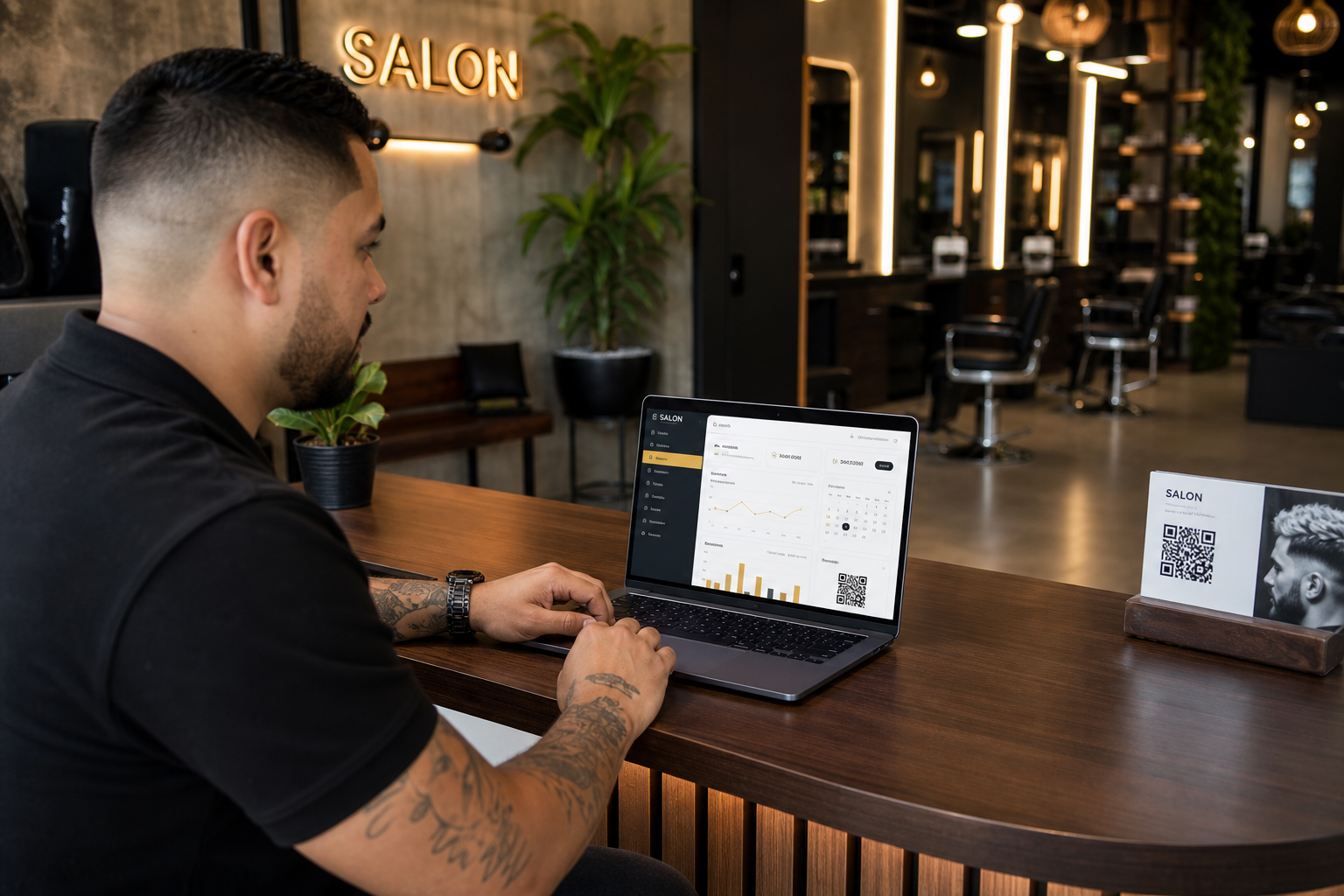
Register the shop, publish services and hours, print the QR, hire professionals, collect with Mercado Pago, and see if the poster actually brings clients. Free trial; cancel anytime.
- 1. Sign-up and onboarding
- 2. Public page and QR
- 3. Schedule, kiosk and check-in
- 4. Staff, hiring and payroll
- 5. Loyalty, campaigns and analytics
- 6. Payments and subscription
1 Register the shop
From Register your business you create the owner account. The checklist asks, in order:
- Profile — name, map address (sets timezone), photos, Require check-in if un-arrived slots should become no-shows.
- Services — prices and duration.
- Availability — shop hours (intersected with each professional hours).
- QR — download and print the new poster.
Only shops with an Active or Trial subscription stay bookable on the homepage.
2 Public page and measurable QR
Your mini-site shows gallery, services, team (with portfolios), reviews, loyalty, and Actively hiring if you turn it on.
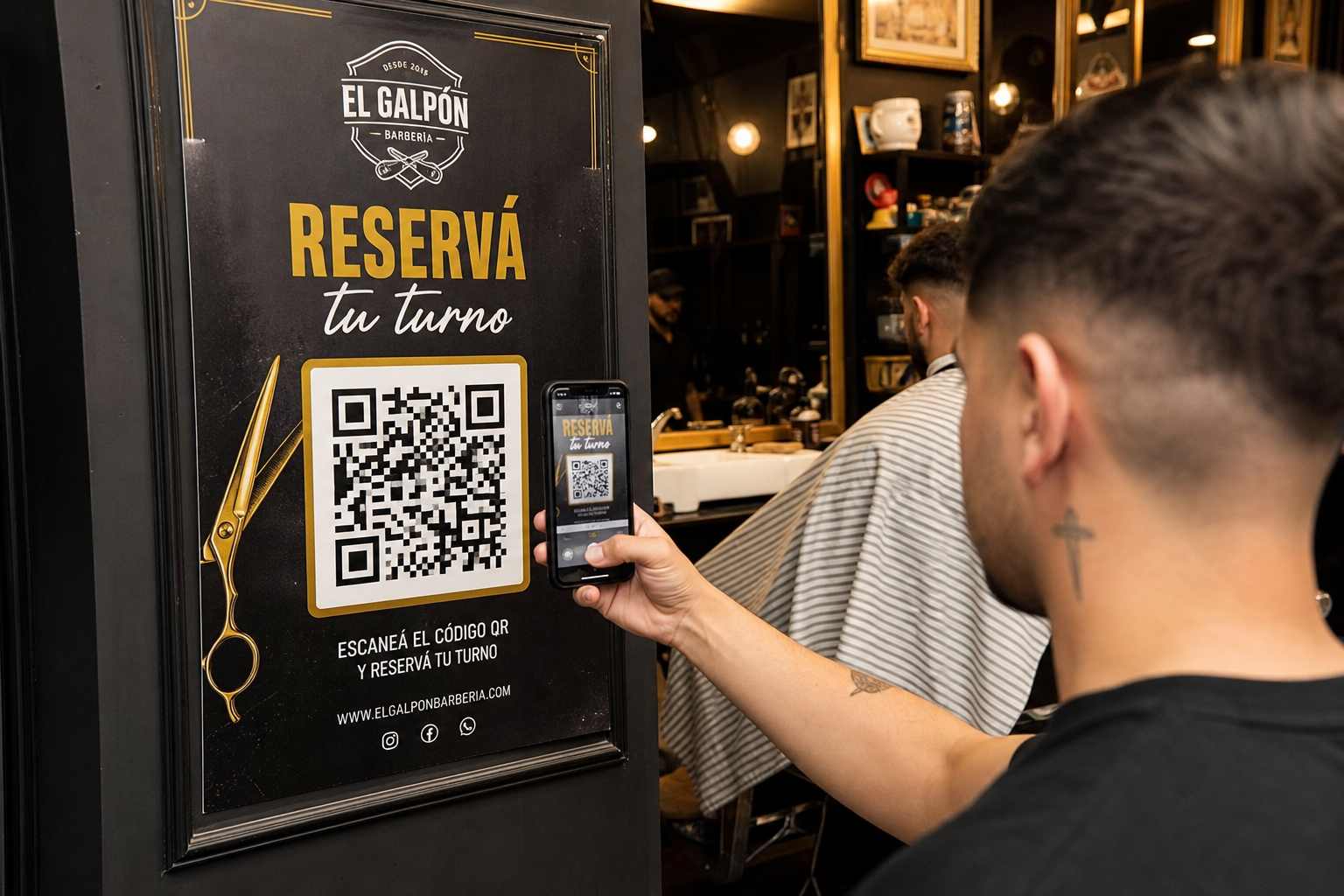
New posters point to a tracked QR URL: the scan is logged, then the visitor lands on the clean shop page. Analytics shows scan → book → show-up.
Old posters that point at the shop page are counted as estimated scans, separately. Reprint to get exact counts.
3 Schedule, kiosk and check-in
- Appointments — confirm, complete, check in, walk-in.
- Kiosk — tablet in the shop, announcements, arrival check-in.
- Remote queue — customers can join from the phone; arrival is still yours or the kiosk.
- Require check-in (Profile) — if the slot ends without arrival, it becomes a no-show. Walk-ins you create count as arrived.
4 Hire, commissions and settlements
On Employees:
- Assign employee — email, full/part-time, first contract and login in one step.
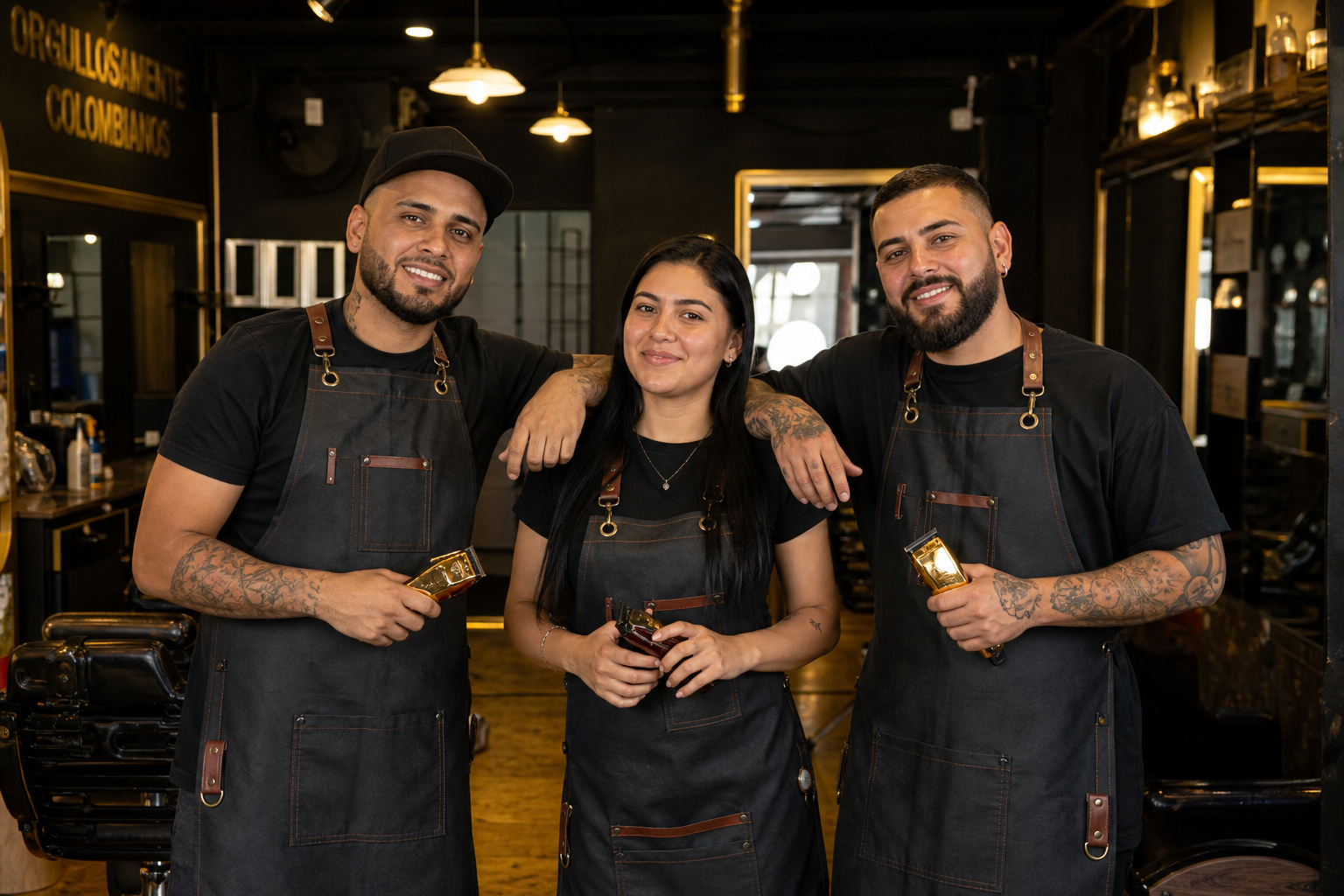
- Actively hiring — shows on your page; professionals apply. The Hiring inbox is on that same screen.
- From the public directory you can also request an interview.
Payroll generates settlements (draft → close → paid): service and product commissions, plus manual bonuses or deductions. Vacation requests are approved here. This is in-app settlement, not tax software.
5 Loyalty, happy hour and analytics
- Loyalty card — N in-shop visits → free service or % off. Stamps come from completed chair visits (not home visits).
- Campaigns — date discounts; optional happy-hour window (days and local time). The customer sees the discount on the slot.
- Store — stock and POS; attribute a sale to a professional for their commission.
- Reviews — reply; you can remove a photo and keep the comment.
- Analytics — QR funnel and completed appointments per week (Monday-first, in your timezone).
Pitch for your clients: the app brings them back, and the tenth cut can be free.
6 Payments and plan
In Payments, connect Mercado Pago so customer checkout goes to your account. The platform charges itself only for the plan and featured placement.
In Subscription pick Weekly / Monthly / Yearly (trial included). See current prices on the Plans page.