Guide for customers
Book your appointment in seconds
Find a business or an independent professional, see times, pay online or in shop, and come back with your loyalty card. You can also install the site on your phone.
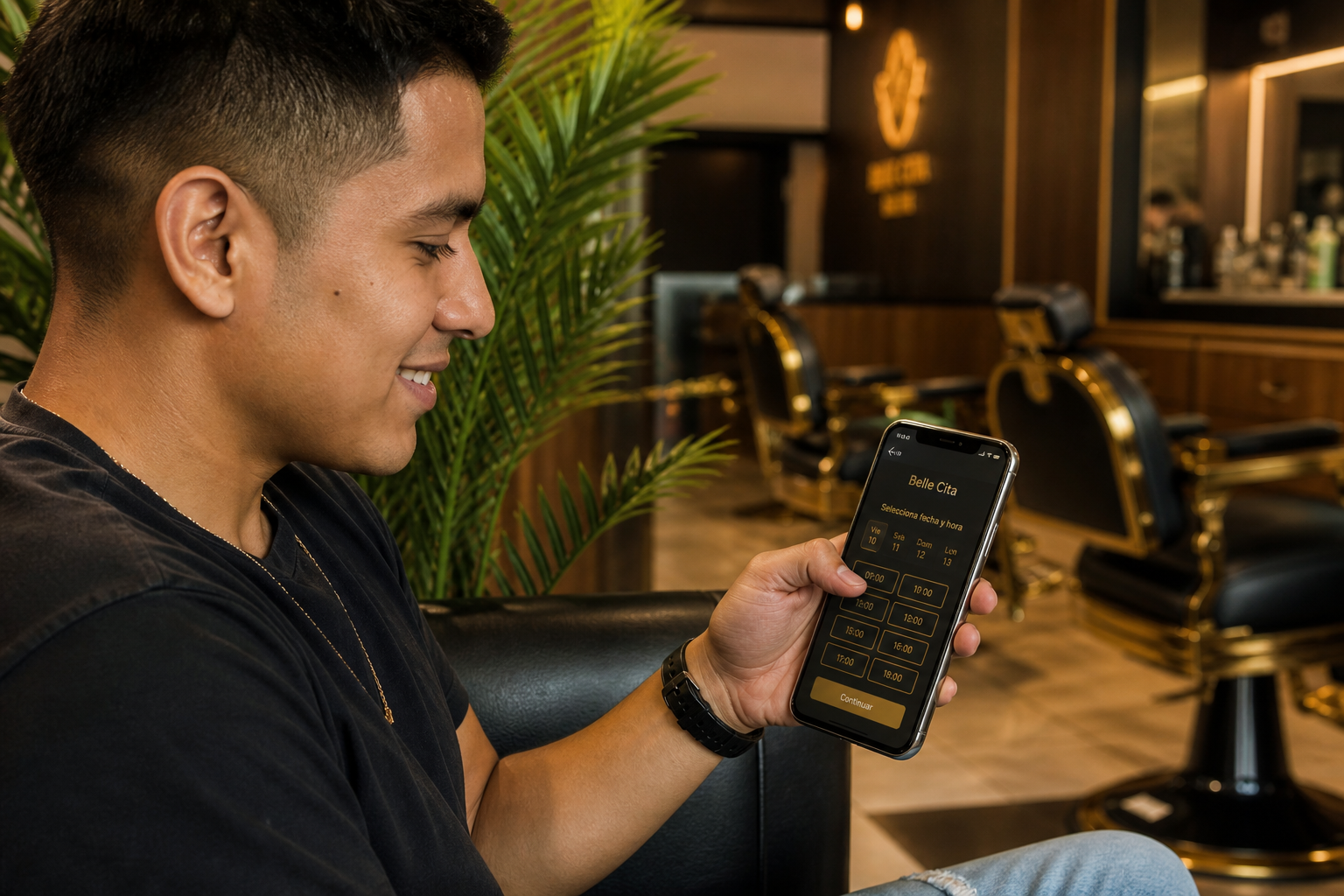
- 1. Create an account
- 2. Find nearby
- 3. Book one or more
- 4. Home visits
- 5. Live queue
- 6. My appointments and loyalty
- 7. Favorites, waitlist, gifts
1 Create an account
Open Register (email and password, or Google). Fill in name, phone, and optionally your birth date for the birthday discount.
After you sign in you will see My appointments and Favorites in the menu.
Install the site on your phone from the browser (Add to Home Screen) to get push reminders.
2 Find a shop or a professional
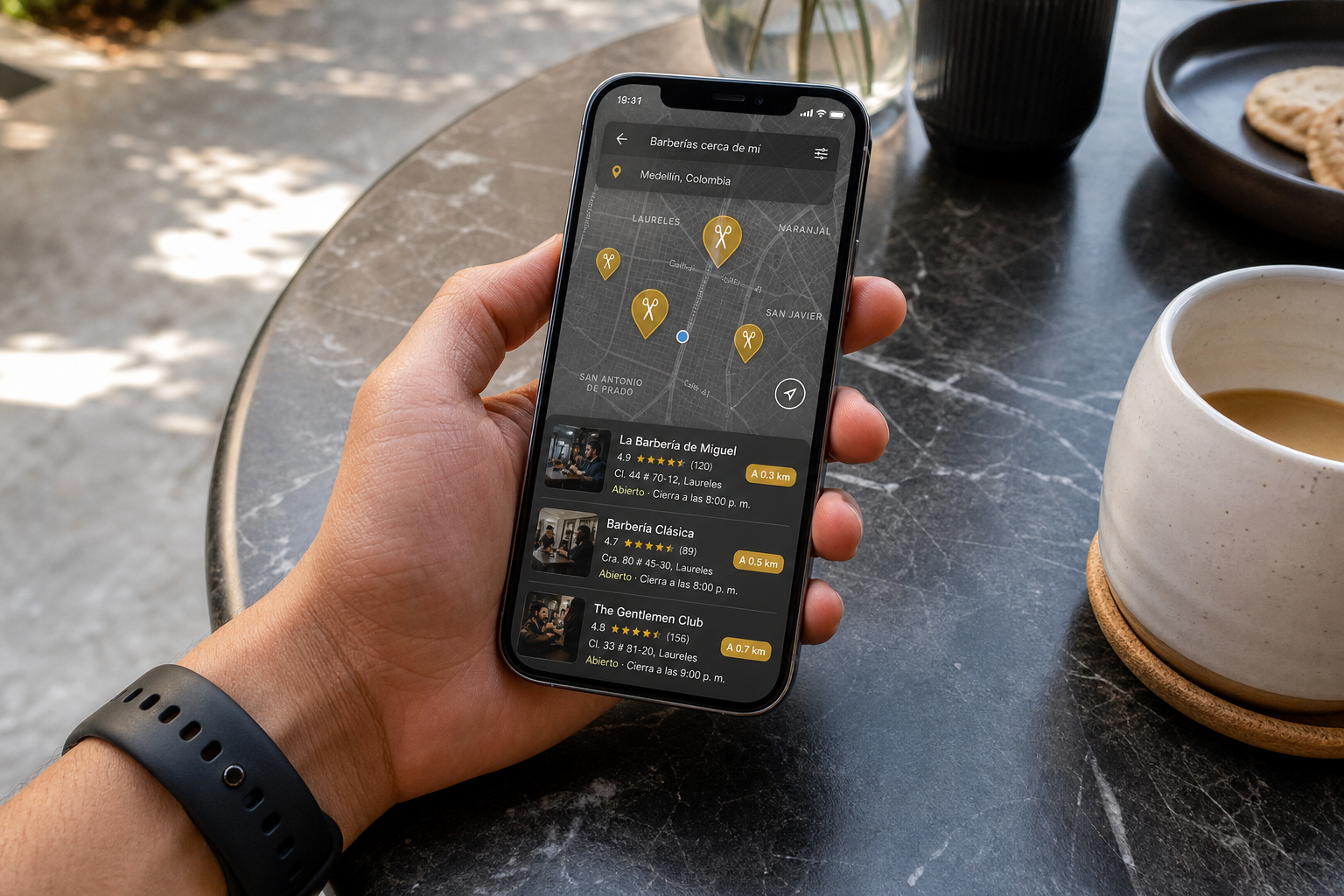
On Home, filter by service, max price, rating, or available today. Use Near me to sort by distance (your browser will ask for location).
Each shop has a public page with gallery, services, professionals, photo reviews, and the loyalty card.
You can also open Professionals to find independents: some work in shops and others offer home visits.
3 Book one or more people
- Pick the service.
- Pick a professional or anyone.
- Pick a time. Happy-hour slots show a discount badge.
- If you go with someone else, add another person (same or other professional, consecutive or parallel slots).
- Pay online, leave a deposit, or pay in shop — depending on what the business offers.
If a time you wanted opens up and you were on the waitlist, you get a link: first to book wins.
4 Request a home visit
On the professional public profile, book a home visit. Pick service, time, and the address. Online payment, if enabled, goes to the professional Mercado Pago.
Shop loyalty stamps are not earned on home visits: the card is per business, in the chair.
5 Join the line without being in the shop
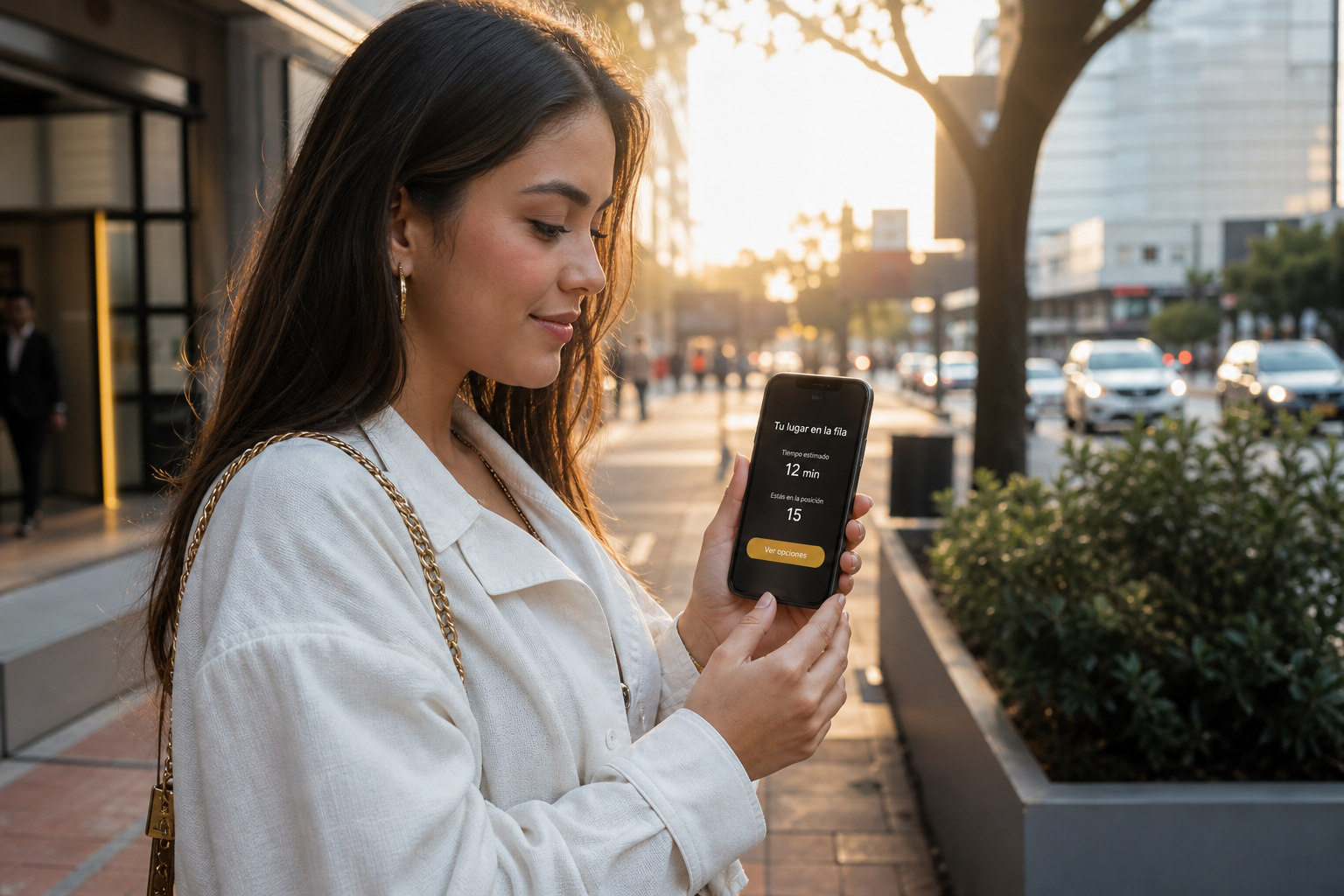
If the shop enables it, open the live queue from the shop page.
You see who is waiting per professional and an approximate time. Join the line from your phone; you get a ping when you are next. Arrival check-in is still done by the shop or kiosk.
6 My appointments, loyalty and reviews
In My appointments you see upcoming, to pay, and to review. You can cancel one, or cancel a whole group.
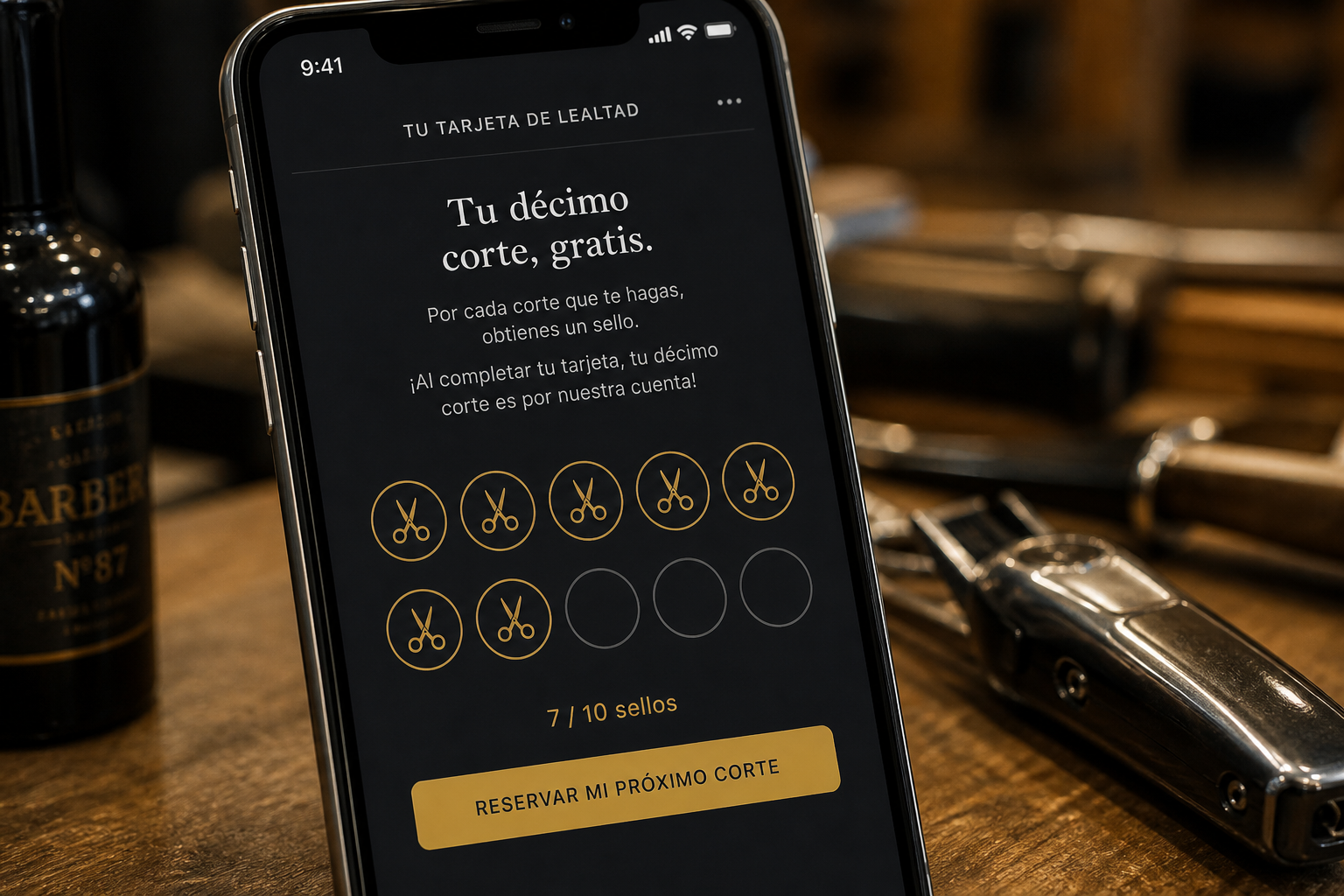
The loyalty card appears on the shop page and in My appointments: each completed in-shop visit adds a stamp. At the goal you get a free service or a discount.
After the cut, leave a review. You can attach a photo. The shop can remove the photo and keep the text.
7 Favorites, waitlist, gifts
- Favorites: saved shops and one-tap Book.
- Waitlist: if there is no slot, we notify you when one opens.
- Gift cards and referrals from your profile.
- The chat assistant helps you search, book, or cancel.
If the shop has a wall QR, scan it: it opens the shop page and the owner can see you came from the poster.